Smart Plug Power Monitoring: Slash Phantom Energy Drain at Home
Have you ever wondered why your electricity bill stays higher than expected even when you are not using many appliances? One possible reason is phantom energy drain, also called standby power or vampire power. Many electronic devices continue consuming small amounts of electricity even when they appear to be turned off.
A television waiting for a remote-control signal, a game console in standby mode, a phone charger left plugged in, or a desktop computer sleeping can all draw power. Individually, the amount may seem insignificant. Across dozens of devices operating every day, however, that standby consumption can add up.
This is where smart plug power monitoring can help. A smart plug with energy-monitoring capabilities can show you how much electricity a connected device is using and, in many cases, allow you to turn the device off remotely or automatically.
What Is Phantom Energy Drain?
Phantom energy drain refers to the electricity consumed by electronic devices when they are switched off or placed in standby mode.
Modern electronics often need a small amount of electricity to perform background functions. For example, a smart TV may remain connected to the internet, a printer may stay ready to receive a print command, and a gaming console may continue running certain background processes.
Some devices consume very little standby power, while others can use considerably more depending on their design and settings.
The important point is that “off” does not always mean zero electricity consumption.
What Is a Smart Plug With Power Monitoring?
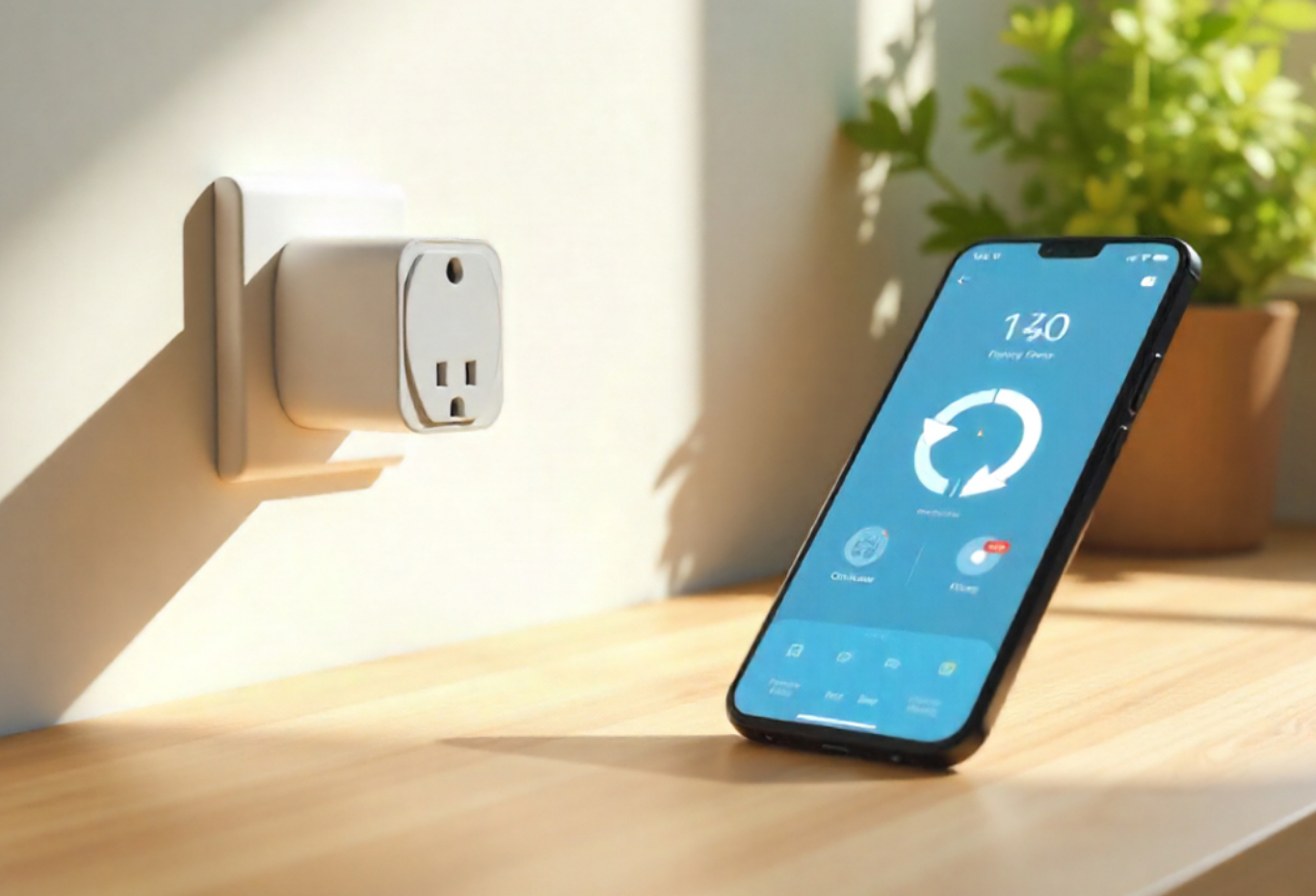
A smart plug is a small device that connects between an electrical outlet and an appliance. It allows you to control the appliance through a smartphone app, voice assistant, schedule, or automation.
A smart plug with power monitoring adds another useful feature: it can measure the electricity consumed by the connected appliance.
Depending on the model, the app may show information such as:
- Current power consumption
- Energy used over time
- Daily or weekly electricity usage
- Estimated energy costs
- Usage patterns
- Standby consumption
This information makes it easier to identify which appliances are responsible for unnecessary energy use.
How Smart Plugs Help Reduce Standby Power
The biggest advantage of smart plugs is that they turn invisible energy consumption into something you can measure.
Suppose you connect your entertainment center to a power-monitoring smart plug. You may discover that the television, speakers, streaming device, and gaming equipment continue consuming electricity when you are not using them.
Instead of guessing, you can check the measured usage.
You can then configure the smart plug to cut power during periods when the equipment is normally unused.
For example, you could schedule the entertainment system to switch off overnight and turn back on before your usual evening usage.
Start by Measuring Your Appliances
Before changing your habits, measure your appliances.
Connect one device or a group of devices to the smart plug and observe their energy consumption over several days.
Try measuring equipment such as:
- TVs
- Gaming consoles
- Computers
- Monitors
- Printers
- Speakers
- Chargers
- Kitchen appliances
- Home office equipment
The goal is not necessarily to unplug everything. Instead, identify the devices where standby consumption is meaningful and where automatic power control makes sense.
Use Scheduling to Stop Overnight Energy Waste
One of the easiest smart plug features to use is scheduling.
Many appliances remain plugged in for hours when nobody is using them. A home office computer setup, for example, may remain connected throughout the night even though it is only used during working hours.
A smart plug schedule can automatically disconnect power during those unused hours.
You might create a schedule that turns a device off at bedtime and restores power shortly before you normally need it.
This reduces the need to remember to switch everything off manually.
Create “Away” and “Sleep” Routines
Smart plugs become even more useful when combined with home automation.
You can create routines based on your daily habits.
For example, a “Sleep” routine could turn off selected entertainment devices and nonessential electronics at night.
An “Away” routine could switch off selected equipment when you leave home.
These routines can help reduce standby energy consumption without requiring constant attention.
However, avoid cutting power to equipment that needs continuous electricity for safety, security, networking, medical, or other essential functions.
Identify Energy-Hungry Devices
Power monitoring can also help you discover which appliances deserve your attention.
You may assume that a small device uses almost no electricity, while another appliance that appears harmless may consume considerably more.
By monitoring devices individually, you can compare their consumption and prioritize the biggest opportunities for savings.
This is particularly useful if you are trying to lower your electricity usage without making major lifestyle changes.
Smart Plug Power Monitoring vs. Unplugging
Manually unplugging electronics is one way to eliminate standby power, but it is not always convenient.
A smart plug provides a middle ground.
Instead of physically reaching behind furniture every night, you can control the power through an app or an automation.
This is especially useful for equipment that is difficult to access, such as devices behind entertainment centers or desks.
The smart plug itself does consume a small amount of electricity, so the goal is to use it where the energy savings and convenience justify its own consumption.
Calculate Whether You Are Actually Saving Money
Smart plugs can provide useful energy data, but monitoring electricity does not automatically guarantee savings.
To determine whether a change is worthwhile, compare the energy used before and after your automation.
You can estimate the financial savings using your electricity rate.
For example, if a device uses a certain amount of energy every day while idle, multiply that consumption by the number of days it operates in standby. Then compare the result with your electricity cost per kilowatt-hour.
This gives you a better understanding of the potential savings.
Remember that electricity rates vary by location and provider, so your actual savings will depend on your local rate.
Don't Use Smart Plugs for Every Appliance
It can be tempting to connect every electronic device in your home to a smart plug, but that is not always necessary.
Some appliances consume almost no standby power, meaning the potential savings may be too small to justify the additional equipment.
Other devices should remain powered continuously because turning them off may interrupt important functions.
For example, you may not want to routinely disconnect equipment that needs to maintain internet connectivity, security monitoring, settings, timers, or other essential operations.
Focus on nonessential electronics with measurable standby consumption.
Choose a Smart Plug With the Right Features
Not all smart plugs offer the same capabilities.
If your goal is energy management, look for a model that specifically supports energy monitoring rather than a basic smart plug that only provides remote switching.
Useful features may include:
- Real-time power monitoring
- Historical energy data
- Scheduling
- Usage alerts
- Mobile app control
- Automation support
- Overload protection
- Compatibility with your smart-home platform
Also check the plug's electrical rating before connecting high-power appliances.
Never exceed the manufacturer's rated load.
Safety Should Come First
Smart plugs should be treated as electrical equipment, not simply as convenient gadgets.
Use products from reputable manufacturers and follow the manufacturer's instructions.
Check that the smart plug is appropriate for the appliance you want to control. High-power appliances such as heaters, air conditioners, and some kitchen equipment can place significant loads on electrical outlets.
Avoid using a smart plug beyond its rated capacity or modifying the device.
If you are unsure whether an appliance is appropriate for smart-plug control, consult the manufacturer's guidance or a qualified electrician.
Other Ways to Reduce Phantom Energy
Smart plugs are only one part of an energy-saving strategy.
You can also reduce standby power by:
- Unplugging rarely used electronics
- Using power strips for groups of devices
- Enabling energy-saving modes
- Turning off monitors when not needed
- Disconnecting chargers when appropriate
- Adjusting sleep settings on computers
- Replacing inefficient electronics over time
The biggest results usually come from combining several small improvements.
Final Thoughts
Smart plug power monitoring gives you something that traditional energy-saving advice often lacks: actual data.
Instead of guessing which devices are wasting electricity, you can measure their consumption, identify unnecessary standby power, and create schedules that automatically shut down selected electronics.
The key is to focus on devices where the potential savings are meaningful. Start with entertainment systems, home-office equipment, chargers, and other nonessential electronics. Measure their usage first, then decide where automation makes sense.
Phantom energy drain may seem too small to worry about on an individual-device basis, but understanding your home's energy habits can help you make smarter decisions. A few well-placed smart plugs, combined with sensible energy-saving routines, can make your home more efficient while also making everyday power management easier.